
Anker PowerConf C200 2K USB Webcam Review
GADGETS
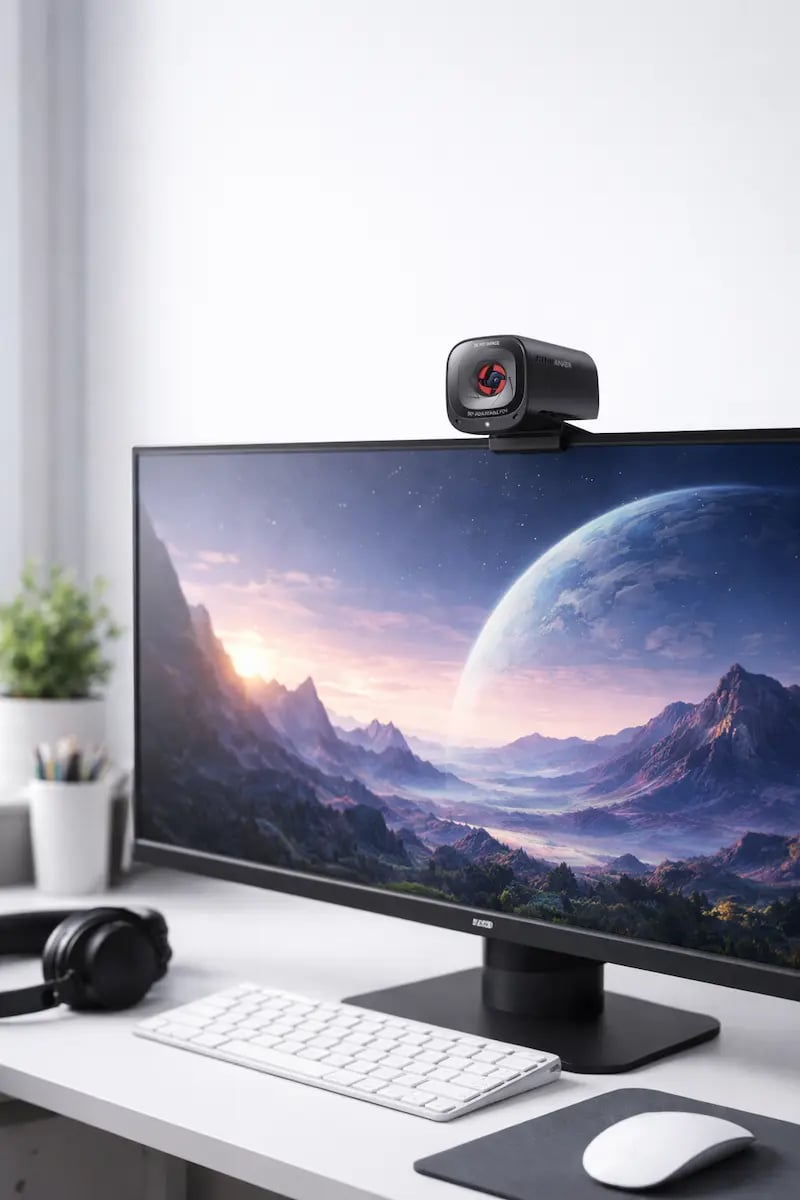
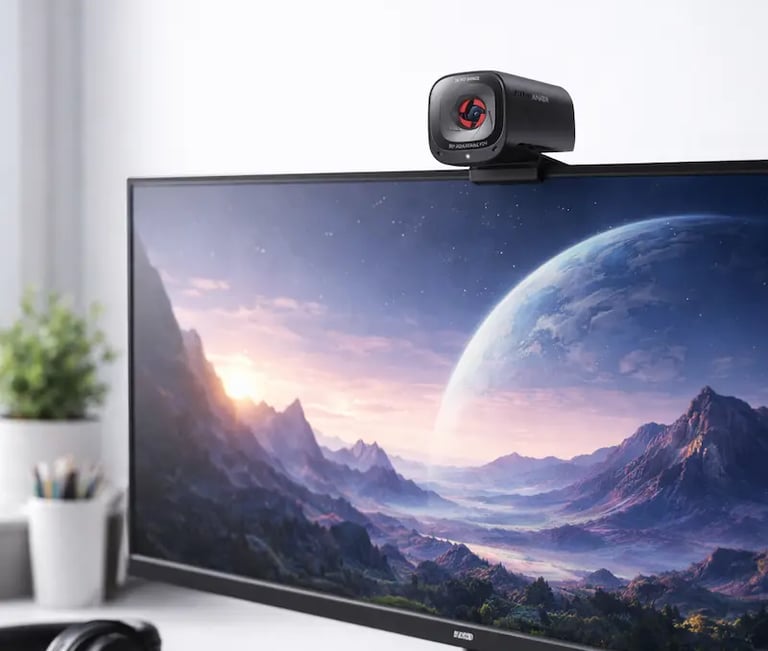
In today’s world of remote work, virtual meetings, and online content creation, having a high-quality webcam is more important than ever. Whether you’re attending professional meetings, hosting webinars, or streaming content, video and audio clarity can make all the difference. The right webcam not only ensures crisp 2K visuals but also clear, noise-free audio, helping you present yourself professionally and confidently in any online environment.
Laptop & Computer Webcam with AI Noise Cancelling, Stereo Mics, Adjustable Field of View, Low Light Correction, and Privacy Protection
In today’s world of remote work, online meetings, and content creation, a high-quality webcam is essential. We recently tested the Anker PowerConf C200 2K USB Webcam, and after weeks of use, we can confidently share our insights from both a personal experience and an affiliate-friendly perspective.
Quick Overview
The Anker PowerConf C200 is a versatile webcam designed for professional video conferencing and streaming. Its standout features include:
2K resolution for crisp, clear video
AI-powered noise cancelling microphones
Stereo microphones for realistic sound
Adjustable field of view (FOV)
Low-light correction for dim environments
Built-in privacy protection (lens cover)
Plug-and-play USB connection compatible with Windows, Mac, and Linux
This webcam is ideal for anyone working from home, recording content, or conducting professional meetings.
Our Personal Experience
Video & Image Quality ⭐⭐⭐⭐⭐
The 2K video resolution immediately impressed us. Video was sharp and natural, even on 1080p displays. The low-light correction works exceptionally well — we tested it in rooms with soft lighting and the image remained bright without overexposure or artificial effects.
Audio & AI Noise Cancellation ⭐⭐⭐⭐⭐
The dual stereo microphones with AI noise cancellation were a game-changer. Background noise from keyboards, fans, and ambient office sounds was significantly reduced. During meetings, our voices came through clearly, making conversations smooth and professional.
Adjustable Field of View ⭐⭐⭐⭐☆
We appreciated the adjustable field of view, ranging from a focused 78° to a wider 115° angle. It’s perfect for solo use or small team setups. Switching angles is intuitive through the Anker software, though beginners may take a few minutes to optimize settings.
Build Quality & Design ⭐⭐⭐⭐☆
The webcam has a sleek matte finish and feels solid. The built-in privacy cover is a reassuring feature, ensuring complete lens protection when not in use. The mount is flexible, fitting laptops, monitors, or tripod stands securely.
Compatibility & Ease of Use
The C200 works effortlessly with major platforms:
Zoom, Microsoft Teams, Google Meet, Skype
OBS Studio, Streamlabs, and other streaming software
Windows 10/11, macOS, Linux
Setup is plug-and-play — no extra drivers required. Software allows for fine-tuning settings like FOV, brightness, and microphone sensitivity.
Pros and Cons
Pros
Crisp 2K video quality
AI noise cancelling microphones for professional audio
Adjustable field of view
Works in low-light conditions
Built-in privacy protection
Easy plug-and-play setup
Versatile for meetings, streaming, and content creation
Cons
Slightly larger than standard webcams
Software customization may feel overwhelming for beginners
Premium price point compared to basic 1080p webcams
Who Should Buy It?
This webcam is ideal for:
Remote workers and professionals
Streamers and content creators
Teachers and online educators
Anyone needing high-quality video and audio for meetings or recordings
Is the Anker PowerConf C200 Worth It?
From our personal experience, the Anker PowerConf C200 2K USB Webcam delivers exceptional video and audio quality, advanced AI features, and a reliable, secure design. If you want a professional-grade webcam that stands out from standard 1080p options, this webcam is a solid investment.
⭐ Overall Rating: 4.8 / 5